No—not directly. An MRPACK file is a Modrinth modpack package designed for the Minecraft Java Edition ecosystem. Minecraft Bedrock uses a different add-on system and different package conventions. You cannot make a Java modpack work in Bedrock just by changing .mrpack to .mcpack.
If your goal is to play the pack, use a Java-compatible MRPACK launcher workflow. If your goal is to inspect the archive, use the MRPACK Reader or the MRPACK to ZIP converter. If your goal is Bedrock gameplay, look for a Bedrock add-on or world package instead.
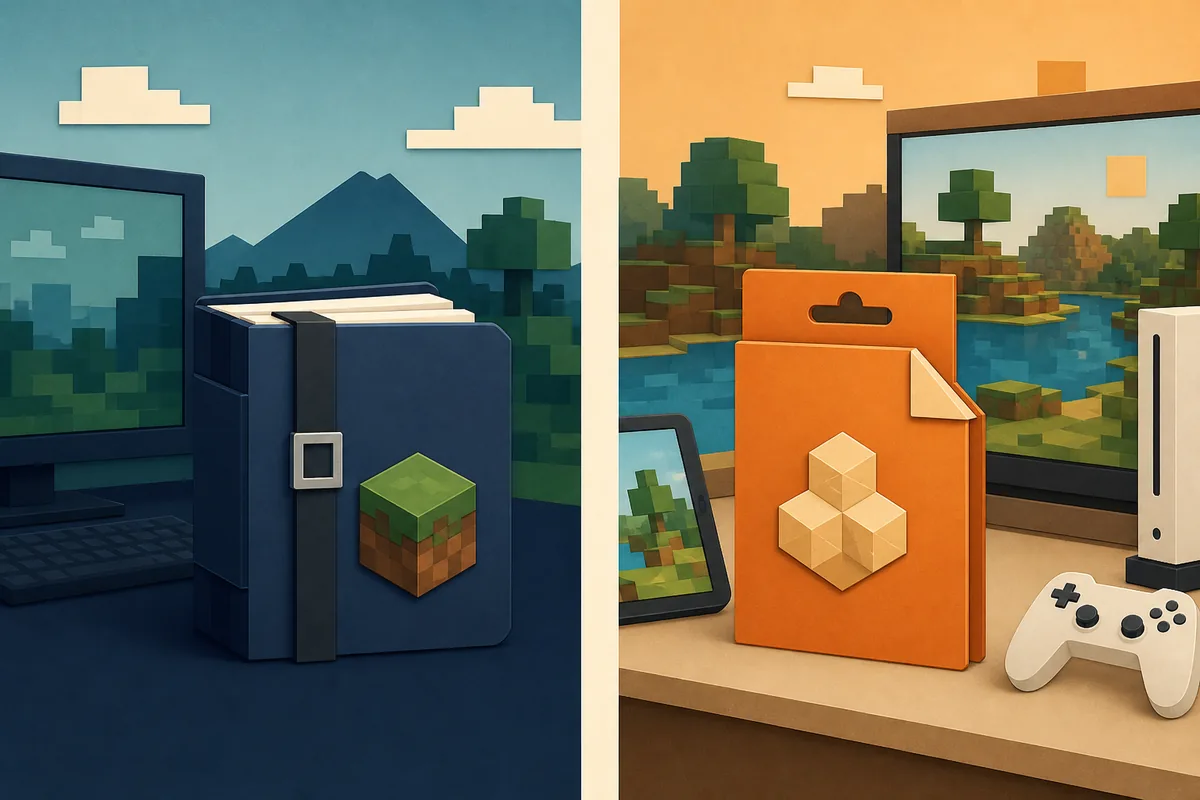
Why an MRPACK does not run in Bedrock
The important difference is not the filename alone. An MRPACK is a manifest-based modpack archive. Its root metadata is normally modrinth.index.json, which describes the Minecraft version, Java loader, mod files, hashes, download references, and override paths that a compatible launcher should assemble.
That workflow expects Java Edition mod files and loaders such as Fabric, Forge, NeoForge, or Quilt. A Bedrock add-on follows a different content model. Bedrock packs commonly use resource-pack and behavior-pack files with their own manifest.json metadata, while a world is distributed as an .mcworld package. Those files are not alternate extensions for the same archive.
Modrinth's MRPACK format documentation describes the Java-oriented manifest and dependency structure. Microsoft's Minecraft file-extension guide describes Bedrock package types such as MCPACK, MCADDON, and MCWORLD. Read together, the formats point to different installation systems rather than a rename-only conversion.
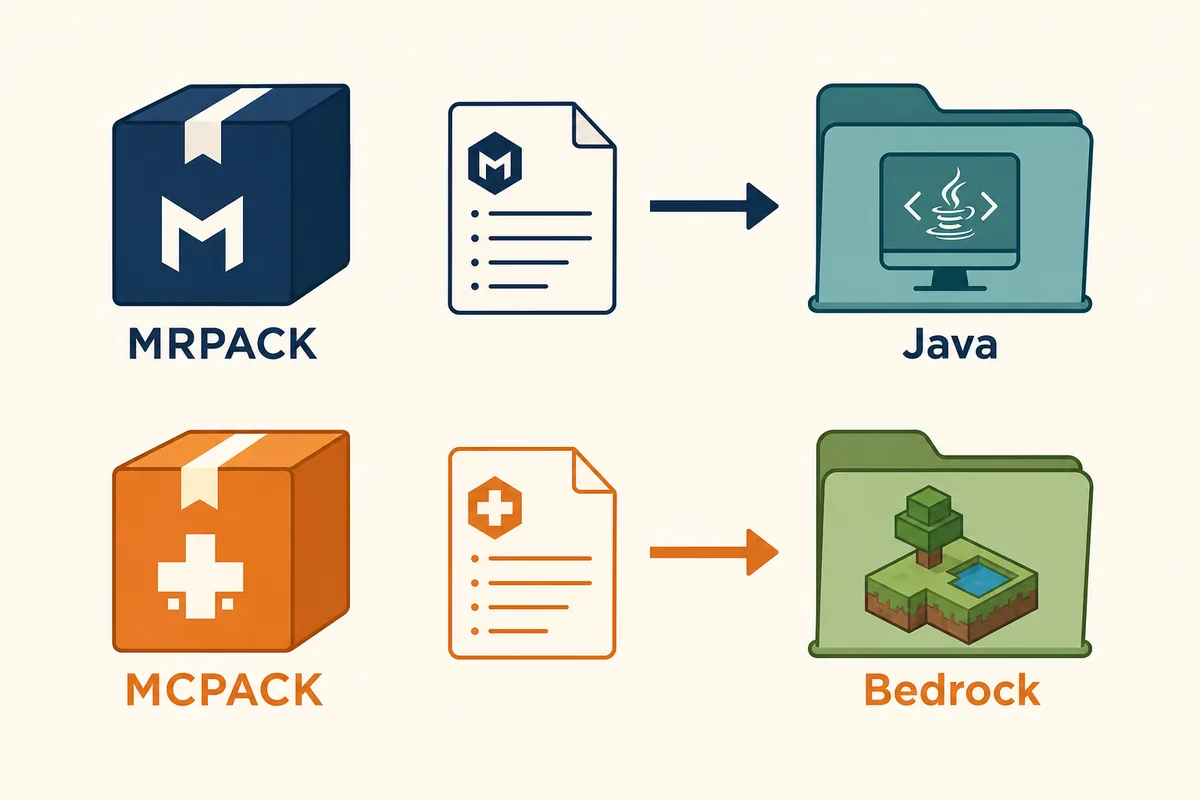
MRPACK vs MCPACK vs MCWORLD
These extensions are easy to confuse because they all look like downloadable Minecraft files. The safer question is: which Minecraft edition and content type is the package meant to serve?
| Package | Typical ecosystem | What it carries | Best next step |
|---|---|---|---|
.mrpack |
Minecraft Java Edition | Modrinth manifest, Java loader dependencies, file downloads, hashes, and overrides. | Import with Modrinth App, Prism Launcher, or another MRPACK-aware launcher. |
.mcpack |
Minecraft Bedrock | Usually one Bedrock resource pack or behavior pack with its own manifest. | Open or import it through a Bedrock-compatible workflow. |
.mcaddon |
Minecraft Bedrock | A bundled Bedrock add-on package, often combining resource and behavior packs. | Import it in a Bedrock installation that supports add-ons. |
.mcworld |
Minecraft Bedrock | A Bedrock world rather than a Java modpack instance. | Open it as a Bedrock world; do not treat it as an MRPACK. |
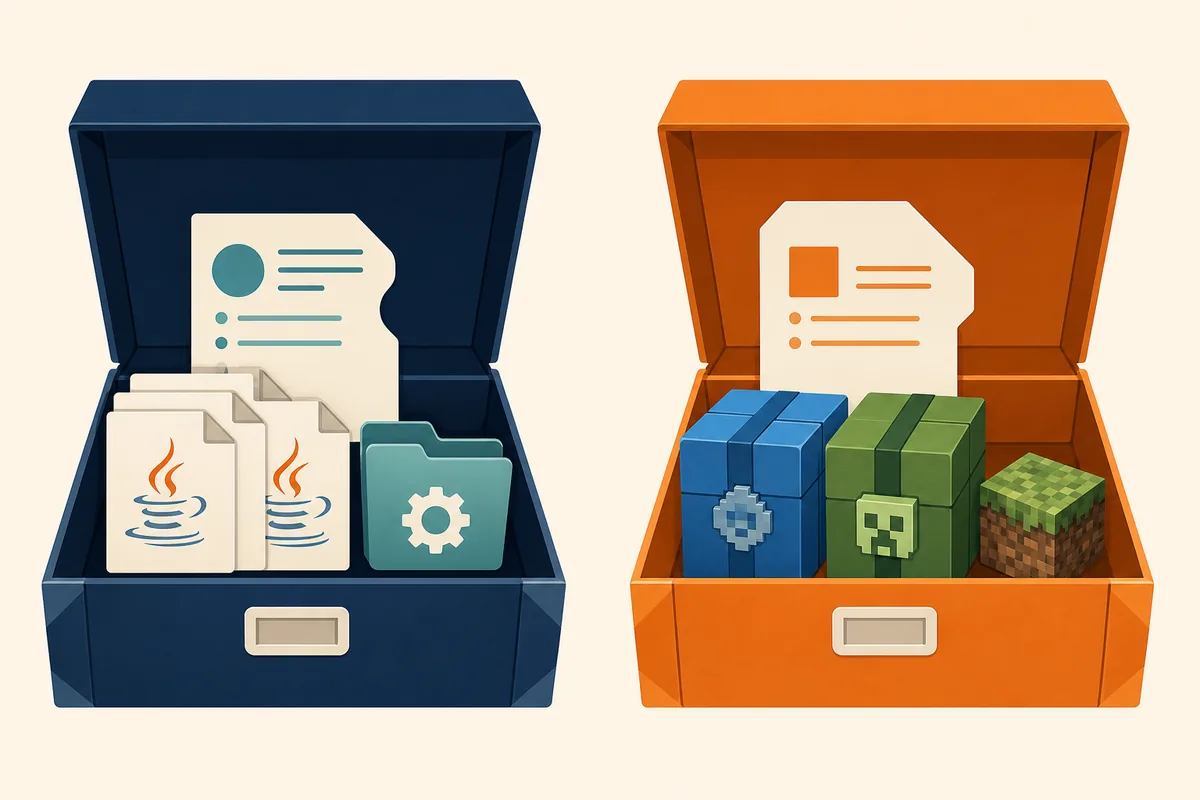
What happens if you rename MRPACK to MCPACK?
Renaming the file can make the filename look familiar, but it does not rewrite the archive. The ZIP container, the root manifest, the Java mod JARs, the loader dependencies, the download URLs, and the override rules remain unchanged.
At best, the Bedrock import flow rejects the file. At worst, you may spend time troubleshooting a package that was never a Bedrock add-on. A similar mistake happens when someone renames an MRPACK to ZIP and assumes that the result is a complete manual install. An MRPACK can be ZIP-based, but its manifest may point to files that still need to be downloaded and placed into the right Java instance folders.
Do not use extension renaming as conversion. Change the extension only when a tool or documented workflow explicitly tells you to inspect a compatible archive. It does not translate Java mods, loaders, scripts, or dependencies into Bedrock add-on content.
What should you do instead?
If you want to play the original modpack
Stay in the Java Edition workflow. Import the MRPACK with Modrinth App or Prism Launcher, choose the expected Minecraft version and loader, and let the launcher resolve the manifest. If you are unsure what is inside the file, inspect modrinth.index.json with the MRPACK Reader before installing.
If you want to play on Bedrock
Find a Bedrock-native add-on, resource pack, behavior pack, or world that was made for your Bedrock version. Look for the package type your device or launcher expects: an .mcpack, .mcaddon, or .mcworld file. The Bedrock creator should provide the supported game version and installation instructions.
If you want to reuse the idea of a Java pack
Think of this as a rebuild or porting project, not a file conversion. A creator may be able to recreate a visual theme, world concept, or selected gameplay idea with Bedrock-compatible content, but the original Java mod JARs cannot simply be copied into a Bedrock add-on. Check each component's license and look for an existing Bedrock version before distributing a recreation.
If you only need to inspect or archive the MRPACK
Use the MRPACK to ZIP converter for a ZIP-style output, or read the manifest with the modrinth.index.json guide. Conversion helps with inspection and manual Java workflows; it does not make the output Bedrock-compatible.
Can any part of a Java modpack be reused on Bedrock?
Sometimes the idea can be reused, but the package should be treated as a new Bedrock project. A Java modpack may contain a theme, a world concept, configuration values, resource ideas, or documentation that helps a creator plan a Bedrock version. That is different from copying the original files into a Bedrock installation.
- Java mod JARs: these are compiled for the Java modding ecosystem and are not Bedrock add-on files.
- Java loaders and dependencies: Fabric, Forge, NeoForge, and Quilt records describe a Java instance. Bedrock does not install those loaders through an MRPACK manifest.
- Configs and overrides: a
configfolder or an MRPACK override may be useful to understand the original pack, but it does not automatically become a Bedrock behavior pack. - Textures and world ideas: some content may have a separately authored Bedrock equivalent, but it needs the right Bedrock format, manifest, identifiers, and supported version.
- Licenses and permissions: even when a technical port is possible, check the creator's license before copying assets, code, names, or artwork into a new package.
This is why a search for an MRPACK Bedrock version should usually look for a separately published Bedrock add-on rather than a renamed download. A creator may maintain two editions, but the files and installation instructions should identify which edition each release supports.
How to identify the Minecraft edition before installing
When a download page is unclear, take a minute to identify the package before opening it. This avoids the common situation where a player tries to solve a Bedrock-versus-Java mismatch with a file renaming trick.
- Check the extension. An
.mrpackfilename points to a Modrinth pack workflow. MCPACK, MCADDON, and MCWORLD point toward Bedrock content types. - Read the creator's edition note. Look for Java Edition, Bedrock, Windows, console, mobile, loader, or add-on wording. Do not rely on a Minecraft-themed filename alone.
- Check the manifest name. A Java MRPACK normally exposes
modrinth.index.json. Bedrock packages use their own manifest structure for add-on content. - Match the device and version. Bedrock add-ons can have device and game-version requirements. Java launchers and Java mod loaders have a different compatibility checklist.
- Keep the original file. Make a copy before inspecting or converting anything. If the package is rejected, you can return to the creator's documented workflow instead of troubleshooting a renamed file.
If you already changed the extension and the import fails, rename the copy back to its original extension. Then choose the workflow for the edition shown by the creator or by the package metadata. For Java inspection, the site's MRPACK Reader can expose the manifest without asking you to upload the file.
Quick troubleshooting guide
| What you have | What you want | Recommended route |
|---|---|---|
| An MRPACK downloaded from Modrinth | Play on a Java launcher | Import the original file with an MRPACK-aware launcher; do not rename it. |
| An MRPACK downloaded from Modrinth | Inspect files or prepare a manual Java install | Read the manifest, then use the site converter when a ZIP layout is useful. |
| An MRPACK | Play on Bedrock | Find a Bedrock-native equivalent or rebuild compatible content; there is no rename-only fix. |
| An MCPACK, MCADDON, or MCWORLD | Play on Java | Look for a Java version or compatible recreation. Do not treat the Bedrock package as an MRPACK. |
FAQ
Can you use an MRPACK in Minecraft Bedrock?
No, not as a direct import. MRPACK is built for a Java modpack workflow, while Bedrock uses add-on and world package types with different metadata and content rules.
Can I convert an MRPACK to MCPACK?
There is no general one-click conversion that turns Java mods and loaders into a working Bedrock add-on. A specific project may have a separately maintained Bedrock version, but that is a different release or a rebuild.
Can I rename .mrpack to .mcpack?
No. Renaming changes the label, not the internal manifest or the files. The package remains a Java-oriented MRPACK archive.
Is an MRPACK the same as a ZIP file?
MRPACK uses ZIP-based storage, but the extension and manifest give it Modrinth-specific meaning. A ZIP conversion can help with inspection or manual Java installation; it does not translate the archive for Bedrock.
What should I download for Minecraft Bedrock?
Look for a Bedrock add-on or world package, commonly an MCPACK, MCADDON, or MCWORLD file, and confirm that the creator supports your Bedrock version and device.
Official references
- Modrinth MRPACK format documentation: manifest, dependencies, file entries, downloads, and overrides.
- Modrinth modpacks help article: the Modrinth pack workflow and supported pack context.
- Microsoft Learn Minecraft file extensions: Bedrock package types and extension meanings.
- Microsoft Learn Bedrock add-on documentation: resource-pack and behavior-pack concepts.
Need to inspect the file you actually have?
Keep the original extension while you identify the Minecraft edition and package type. For a Java MRPACK, start with the browser-based reader or converter.
Open the MRPACK to ZIP converter